About Astray
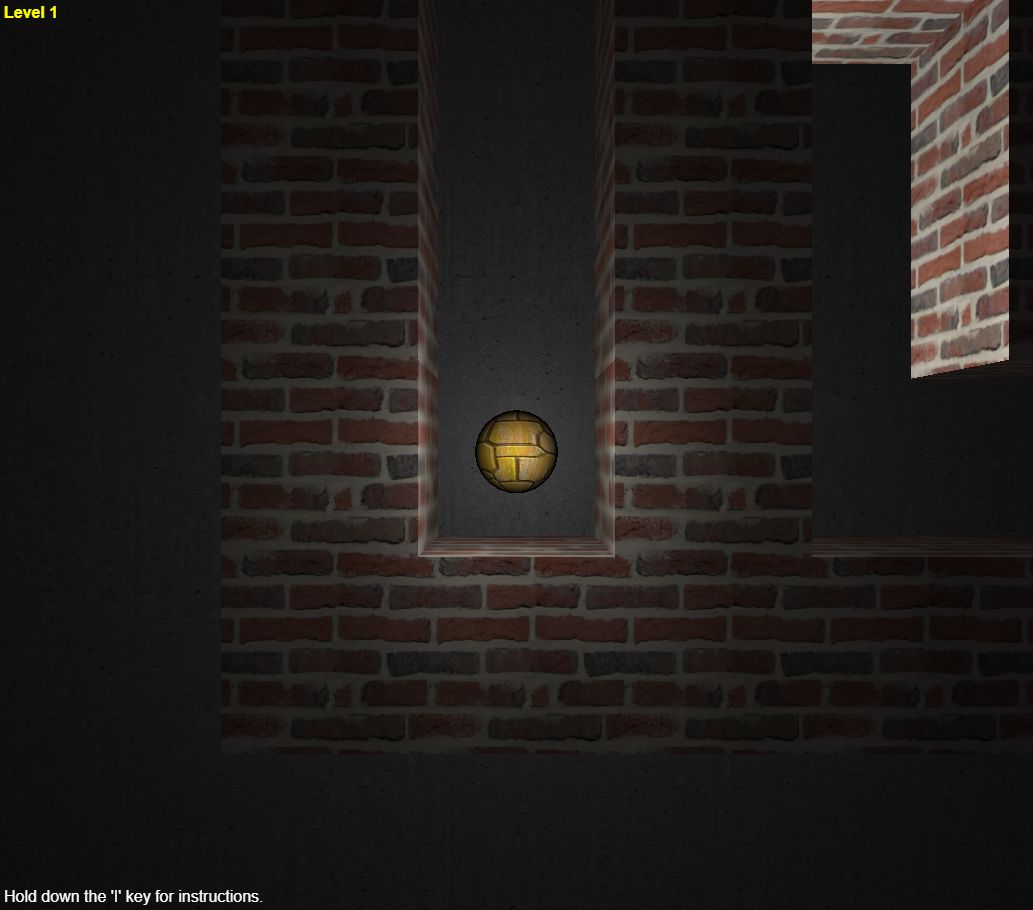
Astray is a 3D maze game built around a rolling ball. Guide it through narrow passages to the exit at the far side. The maze gets larger as you progress, asking you to remember turns and distinguish an unexplored passage from a dead end. Momentum matters: releasing a direction does not feel like instantly stopping a cursor. This is Rye Terrell's open-source WebGL version.
Getting started
- Click inside the game so it receives your keyboard input.
- Use the arrow keys or WASD to move the ball through the passages.
- Reach the opening at the far side to advance to a larger maze.
Tips for a better run
- Use short taps near corners instead of holding a direction continuously.
- Remember a few distinctive junctions as landmarks. They make backtracking less confusing.
- Pick one unexplored branch at a time. Repeatedly changing your route makes it easier to revisit the same dead ends.
Common questions
Can I play Astray on a phone?
This version is designed for a keyboard. A desktop or laptop with WebGL support is recommended.
Why is the game area blank?
Astray uses WebGL. Check that hardware acceleration and WebGL are available in your browser, then try reloading the game.
Will it work on my school network?
Access depends on your network’s rules. “Unblocked” is a common search term for browser games, not a guarantee that a school or workplace will allow this page.