About Pikwip
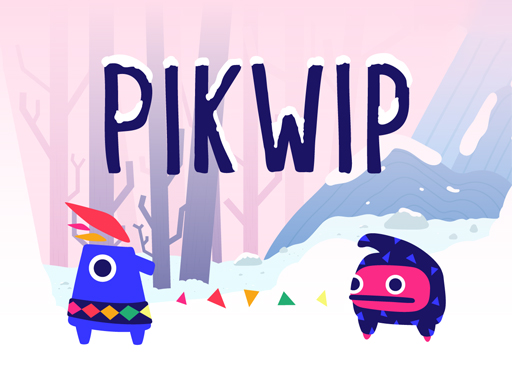
Pikwip gives two connected characters separate movement controls. One uses WASD and the other the arrow keys, so two people can share a keyboard or one person can coordinate both. Progress depends on moving the pair through the same snowy landscape without leaving one character behind.
Getting started
- Wait for the game and use the available ad Skip button.
- Check the two control signs beside the starting characters.
- Move both characters along the uphill route, coordinating their positions.
Tips for a better run
- Make short adjustments with both characters instead of pulling only the leader forward.
- Agree which control set each player will use before starting.
From a recorded play session
Direct player showed Pikwip title and WASD/arrow control signs. After skipping ads, exercised D and Right repeatedly; characters and camera advanced relative to starting signs. Summit and full cooperative run not tested.

Guides for Pikwip
Common questions
Which edition is this?
This page loads the GameMonetize browser edition of Pikwip. Other games with similar names can have different controls or rules.
Does the player show ads?
The external GameMonetize player can show ads and use browser storage. It loads after you press Play.
Will it work on my school network?
Access depends on your network’s rules. “Unblocked” is a common search term for browser games, not a guarantee that a school or workplace will allow this page.